Rokko
0.1.0 Beta 2
Overview
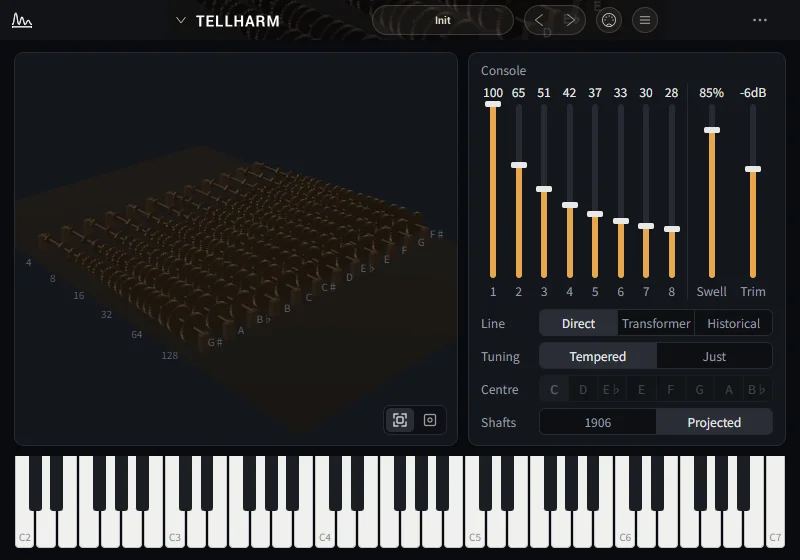
Rokko is a plug-in that loads one bundle and plays it. A bundle is a small instrument or effect: the part that makes the sound (WebAssembly) and its own screen, together. You add bundles from the menu inside Rokko. There are three plug-ins: Rokko for instruments, Rokko (Effect) for effects and Rokko (MIDI) for MIDI, and each plays bundles of its own kind.
This beta plays until the end of 30 November 2026 (UTC). After that it still loads and keeps its settings, but makes no sound and takes no MIDI. A line at the bottom of the window says the beta has ended.
What's new
- A bundle no longer stops when one block runs late. Before, a single block over a quarter of its time stopped it ("stopped, too heavy"), and on Windows Tellharm stopped a few seconds after loading. Now Rokko stops a bundle only when blocks are late again and again.
- On Windows, a fresh install writes its log from the first run.
- With no bundle loaded, the hint now says to click the bundle banner. It used to suggest dropping a .rokko on the window, which Rokko does not take.
What to test
- Whether it loads and plays in your DAW without dropouts or noise. Try the AU and the VST3 in hosts that take them, and the standalone app.
- Adding a bundle from the library through the menu that opens when you click the bundle name in the header, and playing it. You can also add a .rokko folder or zip.
- Rokko (Effect) on an audio track and Rokko (MIDI) in front of an instrument.
- Whether a saved project reopens with the same bundle and the same sound. Switching and saving presets.
- MIDI Learn and the MIDI input channel, both from the MIDI button in the header.
- How the window looks at other sizes (75% to 200%).
- Not yet: the Windows version has no standalone app. It is not signed, so SmartScreen may warn once.
Requirements
macOS 11.0 or later (Intel and Apple Silicon): AU, VST3 and the standalone app. Windows 10 (64-bit) or later: VST3. Windows needs the WebView2 runtime (Windows 11 and recent Windows 10 have it)